Appointments: book, confirm and remind
6 min read
Appointments keep bookings, the people who take them and the reminders that stop no-shows in one place — beside the conversation the booking came from.
Making a booking
- Book from the conversation, or from the calendarBooking from the chat links the two, so the appointment carries the context of what was discussed.
- Pick the person, the date and the timeEach team member has their own calendar, so double-booking is visible rather than discovered.
- Add what the appointment is forIt appears on the reminder, and it is what the person taking it will read first.
Reminders
A reminder is a WhatsApp message sent before the appointment. Because it goes out well outside the 24-hour window, it must be an approved template — a utility one, since the customer asked for it.
Booking states
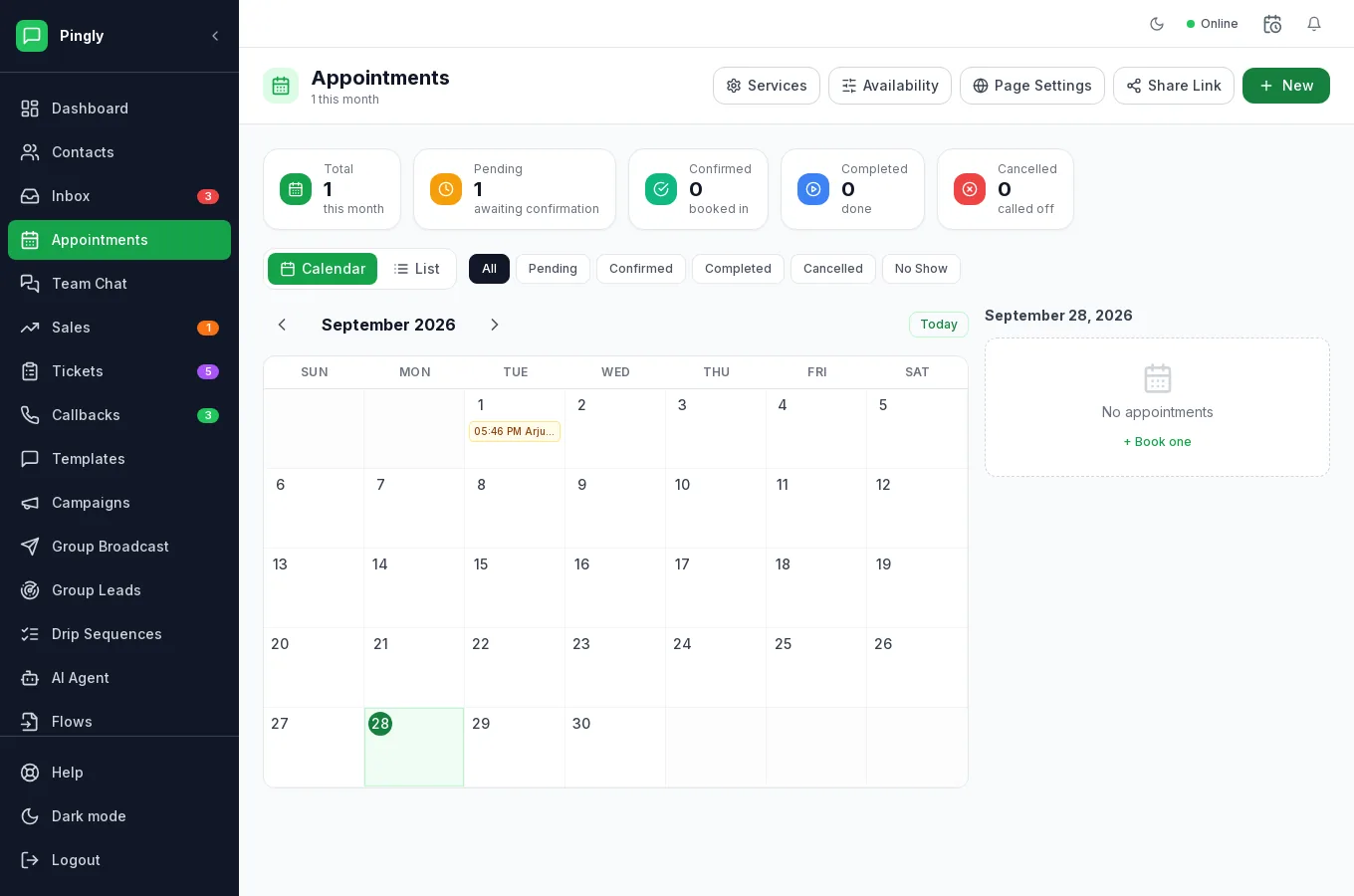
A booking is Pending, Confirmed, Completed, Cancelledor No Show, and the counters across the top show how many are in each. Switch between Calendar and List depending on whether you are planning the week or working through today.
Letting customers book themselves
This is the part most people miss. Four controls sit across the top of the screen:
| Control | What it is for |
|---|---|
| Services | What can be booked, and how long each takes — a consultation, a site visit, a demo. |
| Availability | The hours you accept bookings in, so nothing lands when you are closed. |
| Page Settings | How your public booking page looks and what it asks for. |
| Share Link | The link to that page. Send it in a chat, or put it on your website. |
Zoom can be connected so a booking creates the meeting link automatically — see Integrations. The sidebar shows how many appointments are due today.
More in Everyday use
- The shared inbox: reply, assign and keep trackAssignment, replies, media, private notes and the 24-hour window, explained.
- Contacts: import, organise and segmentImporting, tagging, custom fields, and what happens when someone opts out.
- Quick replies and labelsCanned answers your whole team shares, plus labels for finding chats again.
- Tickets: turn a conversation into tracked workRaising, assigning and resolving tickets without leaving the conversation.