Flows: collect answers inside WhatsApp
9 min read
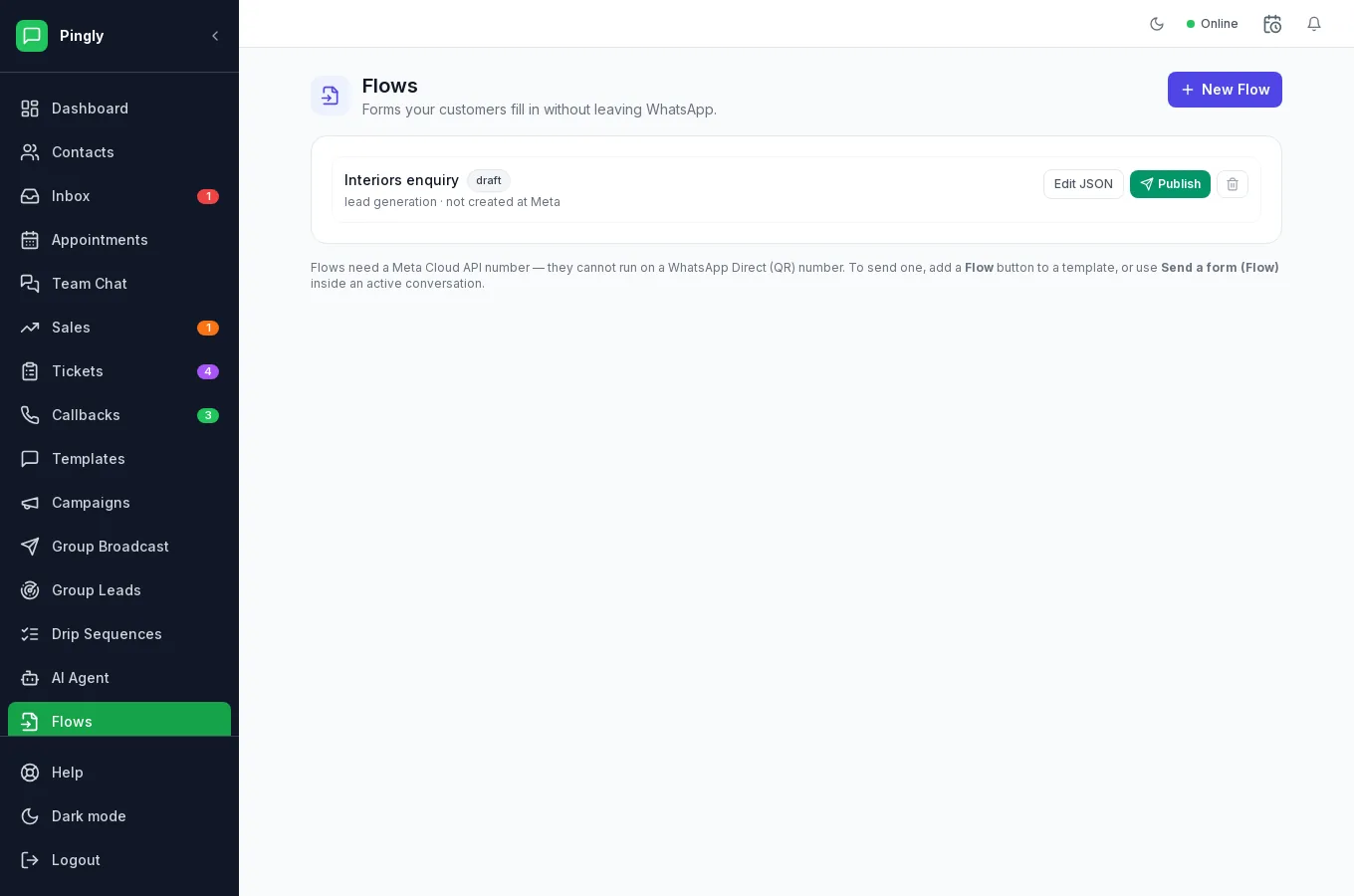
A Flow is a form that opens inside WhatsApp. The customer taps a button, fills it in without leaving the chat, and the answers land on their contact record. It replaces the “please send me your name, address and budget” exchange that usually takes six messages and arrives half-complete.
When a Flow beats a conversation
- Structured answers. A dropdown cannot be answered “sometime next month-ish”.
- Everything at once. One form instead of six back-and-forth messages.
- Out of hours. The form works at midnight; your team does not.
- Straight onto the record. Answers map to contact fields and lead fields, so nobody retypes them.
Building one
Open Flows and create one. You design it visually — Pingly generates the Flow JSON Meta requires in the background, which is not something anyone should be asked to write by hand.
- Start from a ready-made form or an empty oneLead capture, appointment booking and feedback are included and can be edited freely.
- Add screens and fieldsEach screen has a title and a set of fields. Text, number, email, phone, long text, dropdown, radio buttons, checkboxes, date and an opt-in tick box are available, plus headings and paragraphs for wording that collects nothing.
- Mark the fields you need as requiredA required field cannot be skipped, which is the whole reason to use a form.
- Say where each answer should be savedMap a field to a contact field, a custom attribute or a lead field and the answer files itself. Unmapped answers are still recorded against the submission.
- Preview itThe preview is rendered by Meta, so it is what the customer will really see — not an approximation drawn by Pingly.
- Publish itPublishing sends it to Meta. A draft cannot be sent to anyone.
Sending one
| Where | How | When you can |
|---|---|---|
| In a conversation | The Send a form (Flow) action in the reply box. | Within 24 hours of the customer’s last message. |
| In a campaign | Add a Flow (form) button to a template and send it as a campaign. | Any time — it is a template, so the window does not apply. |
The template route is the one that scales: it turns a broadcast into something people can respond to structurally rather than by typing.
Where the answers go
A submission arrives back in the conversation it was sent from. Mapped answers are written to the contact or the lead straight away; the full submission is kept against the contact so you can see exactly what was entered and when.
Designing one people finish
- Ask for less. Every field loses people. Ask what you need to make the next call, not everything you would eventually like to know.
- Offer choices rather than a text box wherever you can — easier for them, cleaner for you.
- Two short screens beat one long one. A single screen of ten fields looks like work.
- Label the button with the outcome. “Send my details”, not “Submit”.