The web chat widget: put Pingly chat on your site
5 min read
The widget is a chat bubble on your website. A visitor can ask a question without finding your number, and the conversation arrives in the same inbox as everything else.
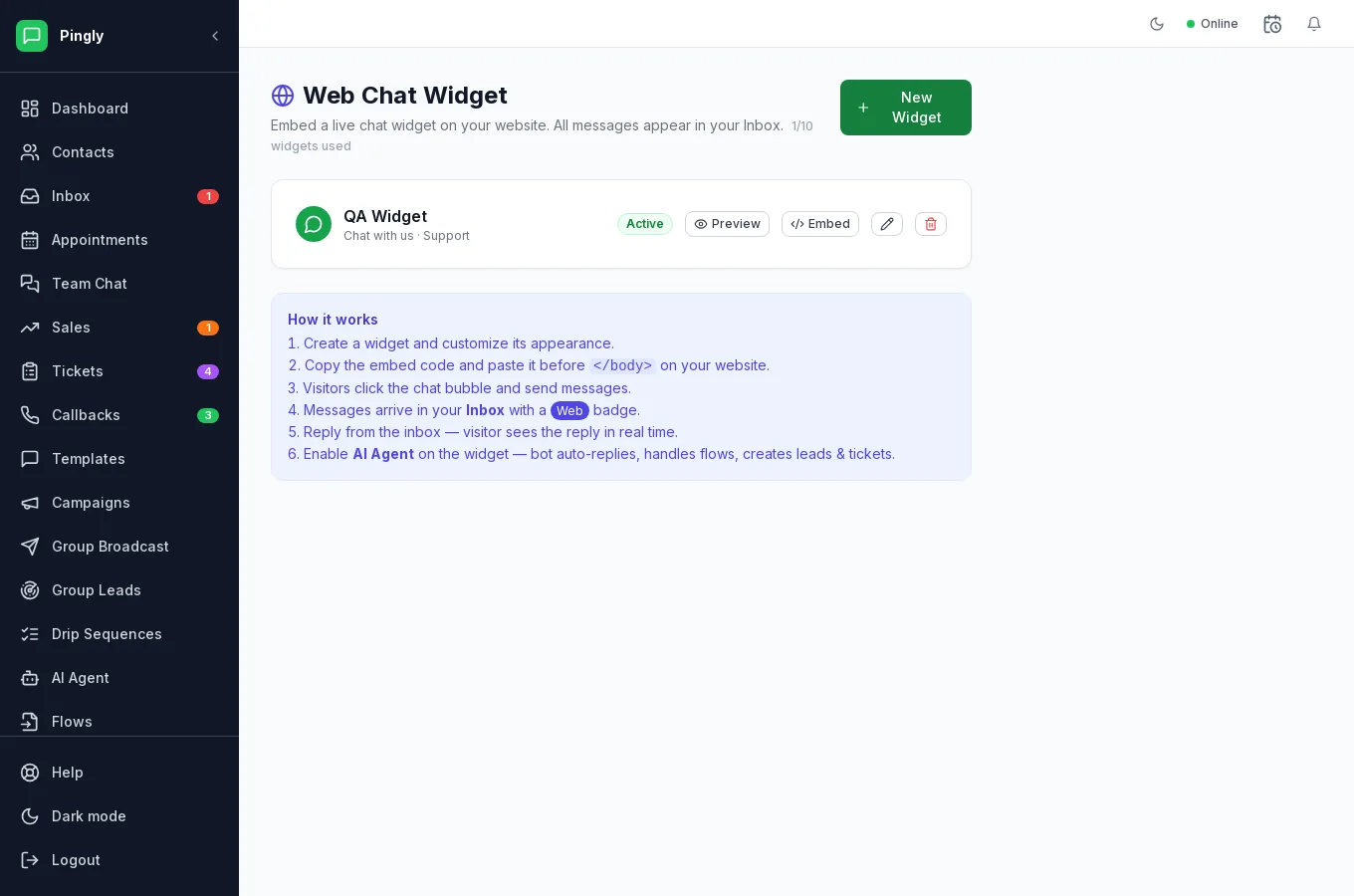
Installing it
- Set it up on the Web Widget screenChoose the colour, the greeting and whether to ask for a name or number before the chat starts.
- Copy the snippet from EmbedIt is a single script tag.
- Paste it into your site before the closing body tagOn every page you want the bubble to appear. Most site builders have a place for custom code in their settings.
- Load your site and check the bubble appearsSend yourself a test message and confirm it reaches the inbox.
Where the conversations go
Into the inbox, alongside WhatsApp, with the same assignment, notes, tickets and leads. The source is shown on the conversation, and you can route on it — sending website chats to a particular person, for instance.
Letting the AI answer first
The widget is the most common place to put the AI agent to work: website questions are often the same few, they arrive at all hours, and there is no 24-hour window to worry about. Handover rules still apply.